Smoking Ritual
Record A Private Timed Session
Choose one cigar from your inventory, keep elapsed time, and add only the details you want to remember. Smoking Ritual is coming to Premium and Exclusive on iPhone and iPad in version 1.1.
Smoking Ritual previews Humidor Reserve 1.1. Pending App Store release: the current 1.0 app does not include this workflow.
Select the cigar and start
- Open a cigar in Humidors. Choose Smoking Ritual from an active cigar or a cigar group. A group asks you to select one exact physical cigar and continue; it does not start a batch session. The Home ready-cigar picker can also start a Ritual for its selected cigar.
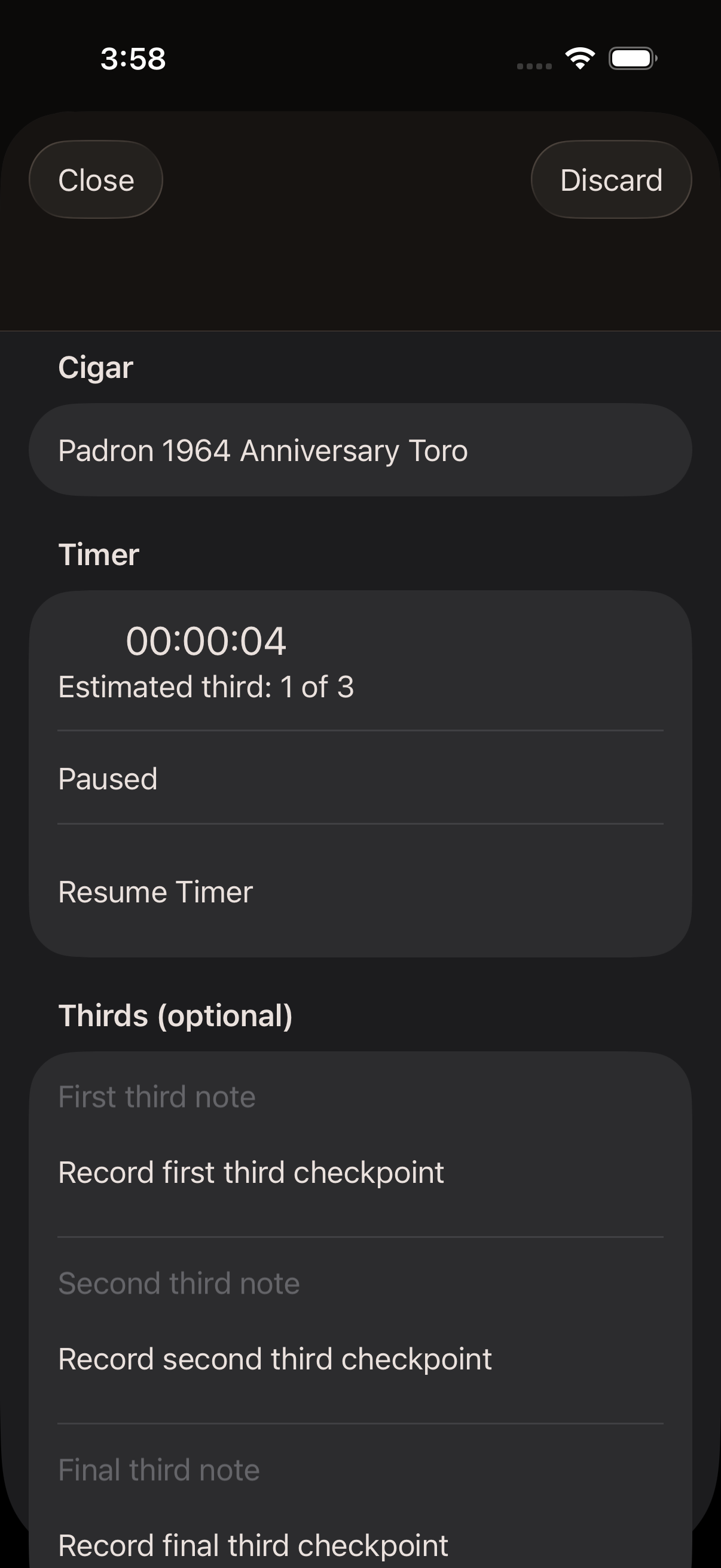
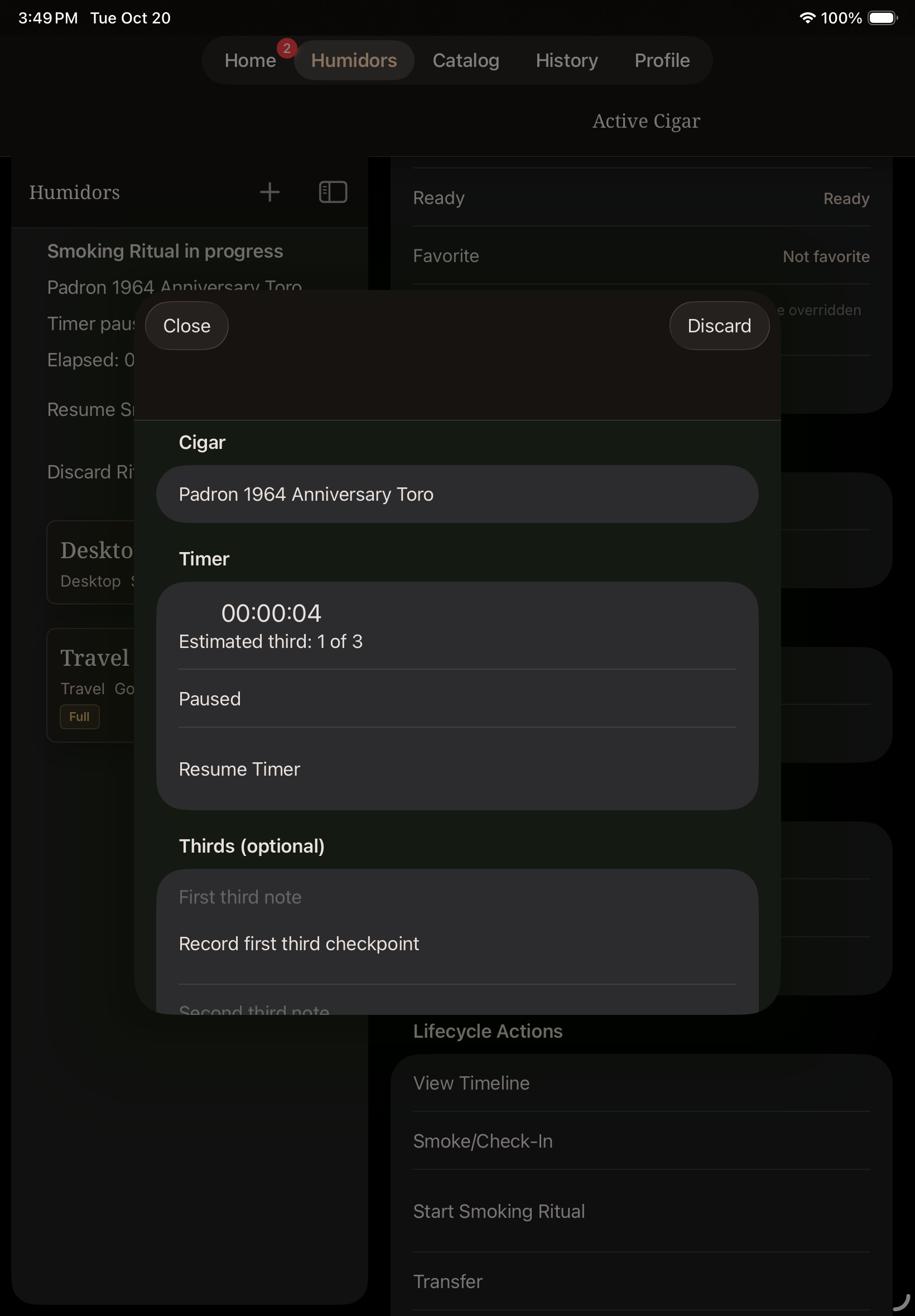
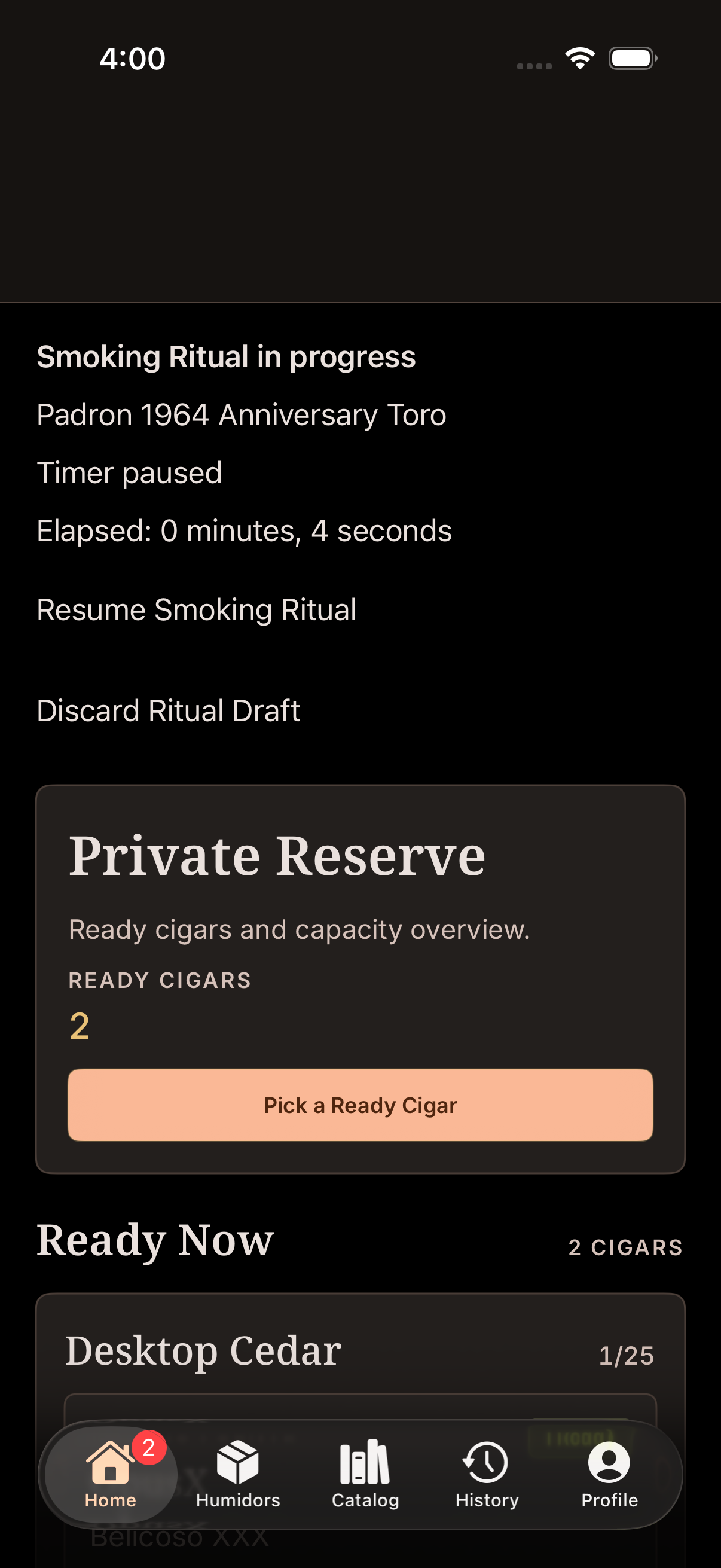
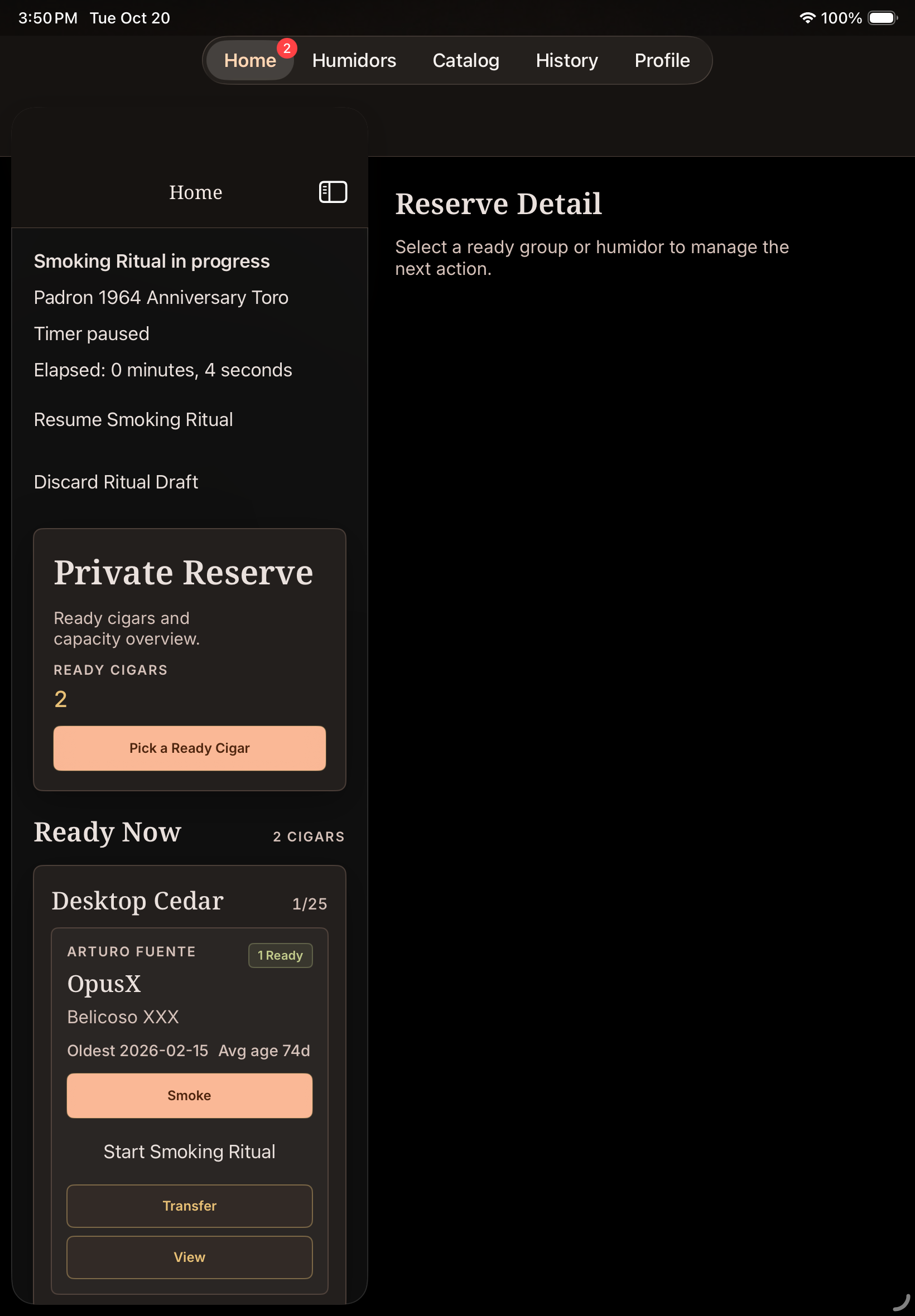
- Watch elapsed time. Pause stops elapsed time from increasing; Resume Timer continues it. Paused time is excluded. The timer continues while the app is away unless you pause it.
- Treat thirds as guidance. Estimated thirds use previous durations for the same vitola, then its profile estimate when needed. With no estimate, use manual checkpoints. Estimates never record checkpoints for you; each Record checkpoint button saves that third's first checkpoint once.
- Add optional private details. First, second and final third notes can be left blank. Draw, burn and construction each offer an optional observation and note; these are qualitative observations, not extra ratings.
- Record Pairing used and Smoking spot. A primary Saved Pairing can prefill a snapshot. Editing Pairing used changes this session only, not Saved Pairings. Smoking spot accepts your own text or reusable suggestions; it does not look up your location.
Close, recover or discard a draft
Session edits autosave locally. Close leaves the draft available to resume; reopening the app offers the saved draft. Only one active draft is available for an account at a time. Discard asks for confirmation and removes the draft without marking the cigar smoked.
A draft is recovery data on this device: it is not synced or included in backups. If a save fails, keep the app open and use Retry Saving Draft. Relaunch restores the last successfully saved draft. Rating, final tasting note, flavor selections and a staged photo in the final form are not restored after relaunch.
Finish and save the smoke
- Choose Finish. Finish pauses the timer and opens the smoke outcome. Back returns to the paused session; choose Resume Timer to continue timing.
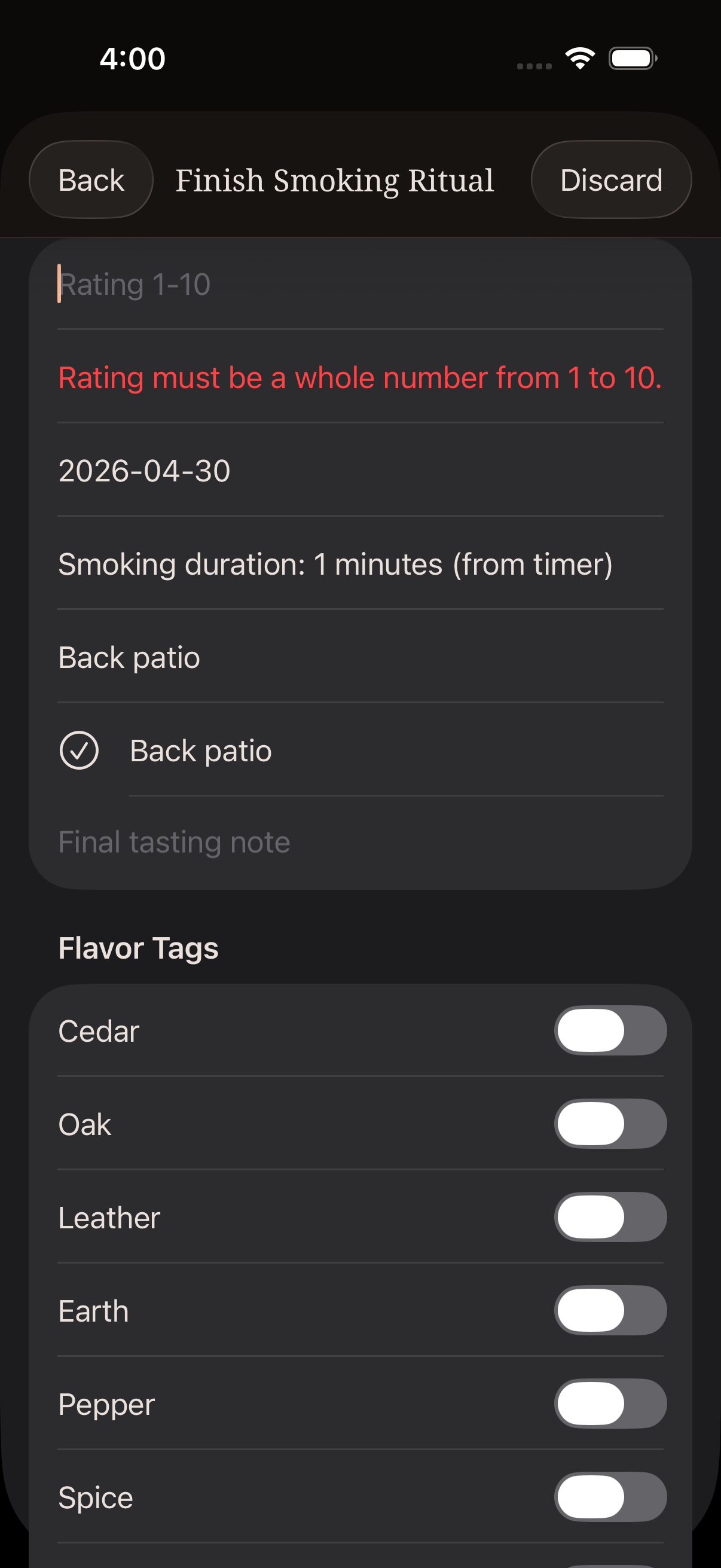
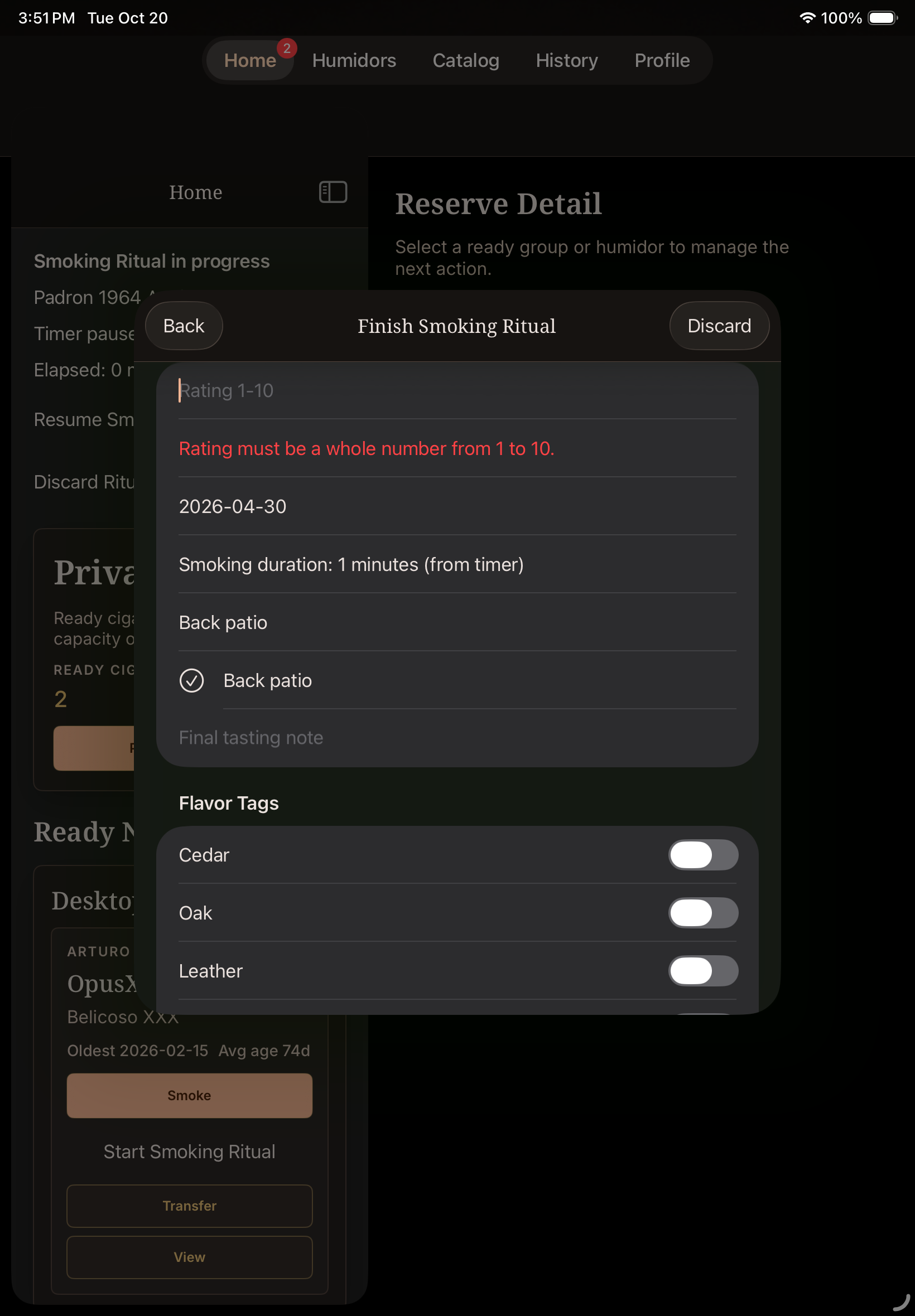
- Enter a whole-number rating from 1 to 10. Review the event date and Smoking spot. Duration comes from elapsed timer time, rounded up to a whole minute; it cannot be typed over. A positive elapsed duration is required. Final tasting notes and flavor tags are optional.
- Add a photo only if wanted and supported. Exclusive can stage a tasting photo under the existing photo rules. A photo is optional and is not needed to save.
- Choose Save Smoking Ritual. Saving marks that cigar smoked and removes it from active inventory. This cannot be undone. Missing or invalid required values are shown before the smoke is saved.
- Resolve a photo attachment message. If the photo fails after saving, the smoke is already saved. Retry Photo Attachment retries only the photo, or choose Continue Without Photo to reach the summary.
Review the saved result
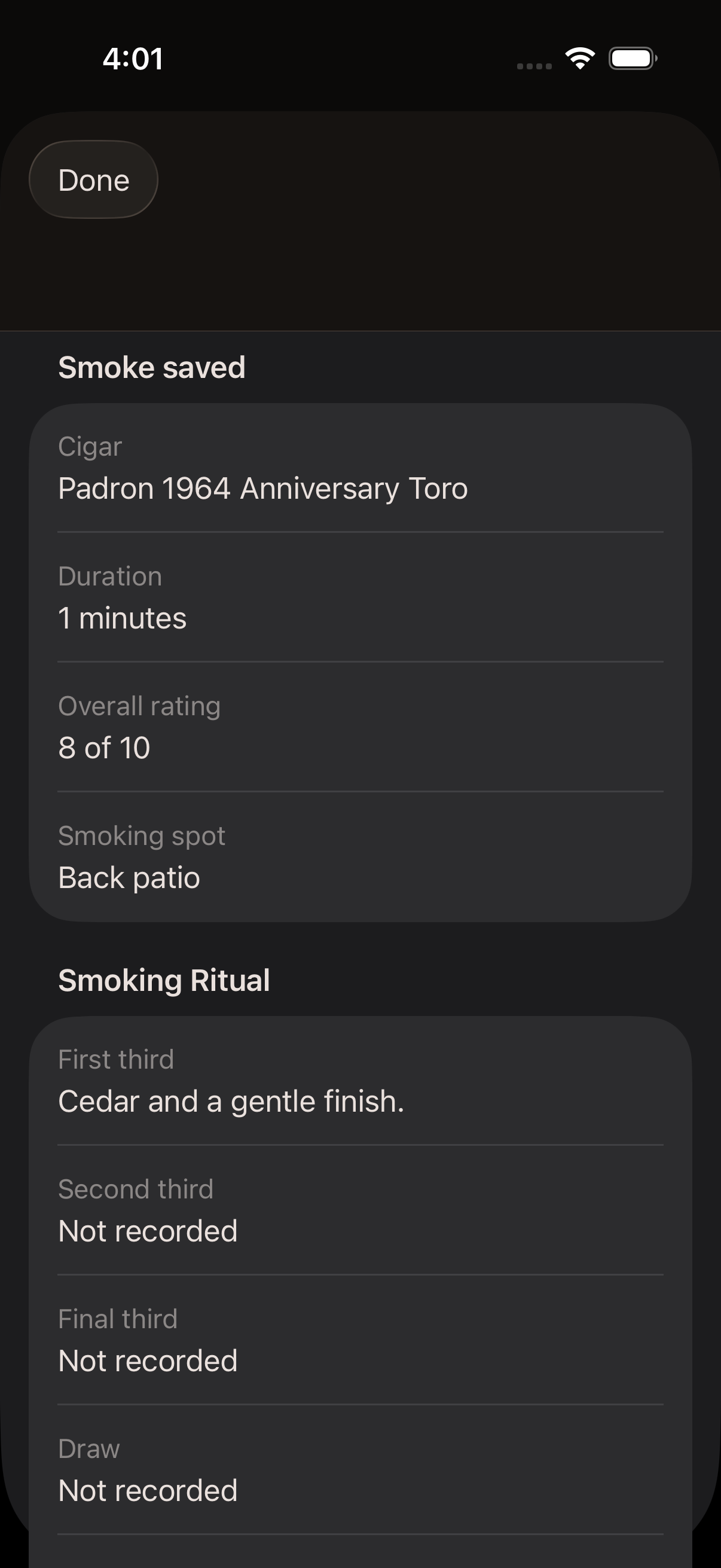
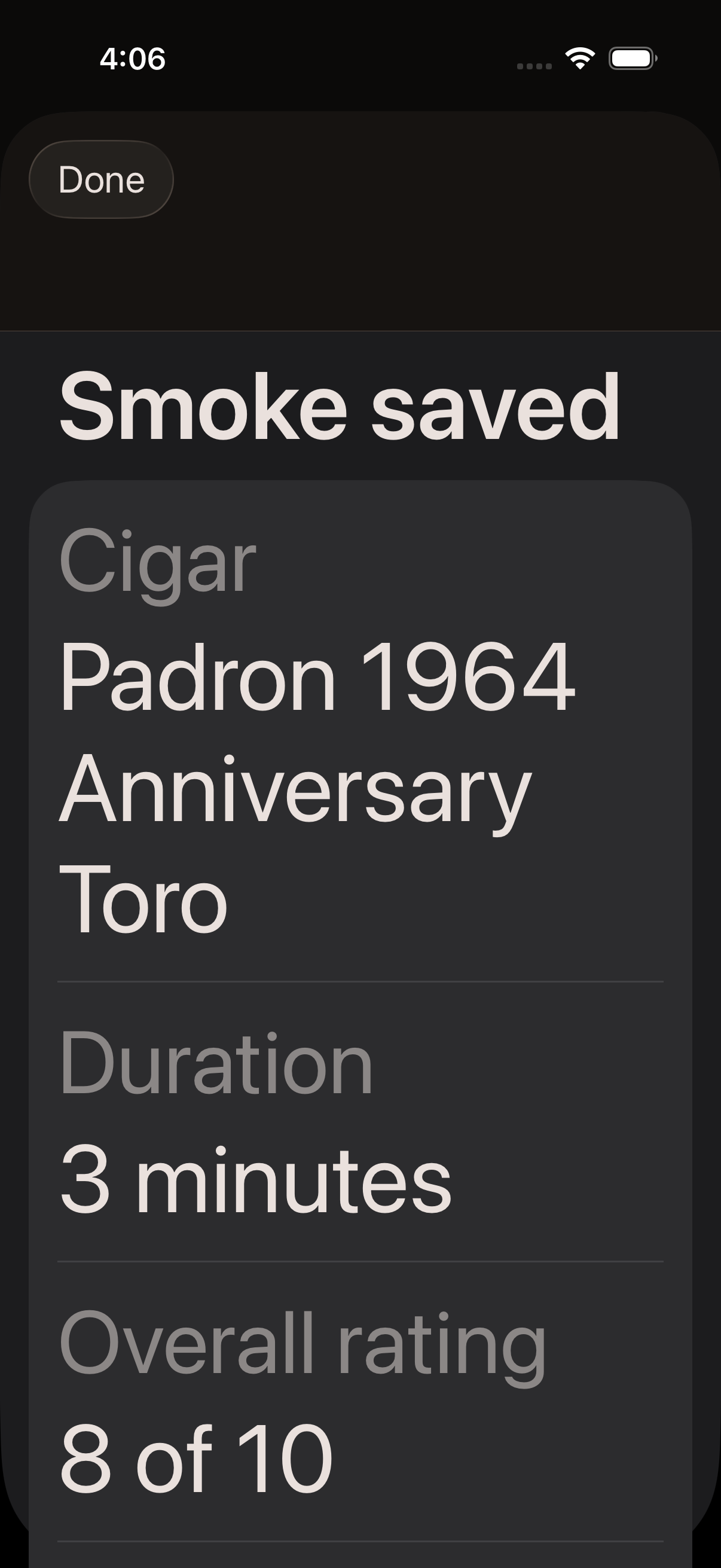
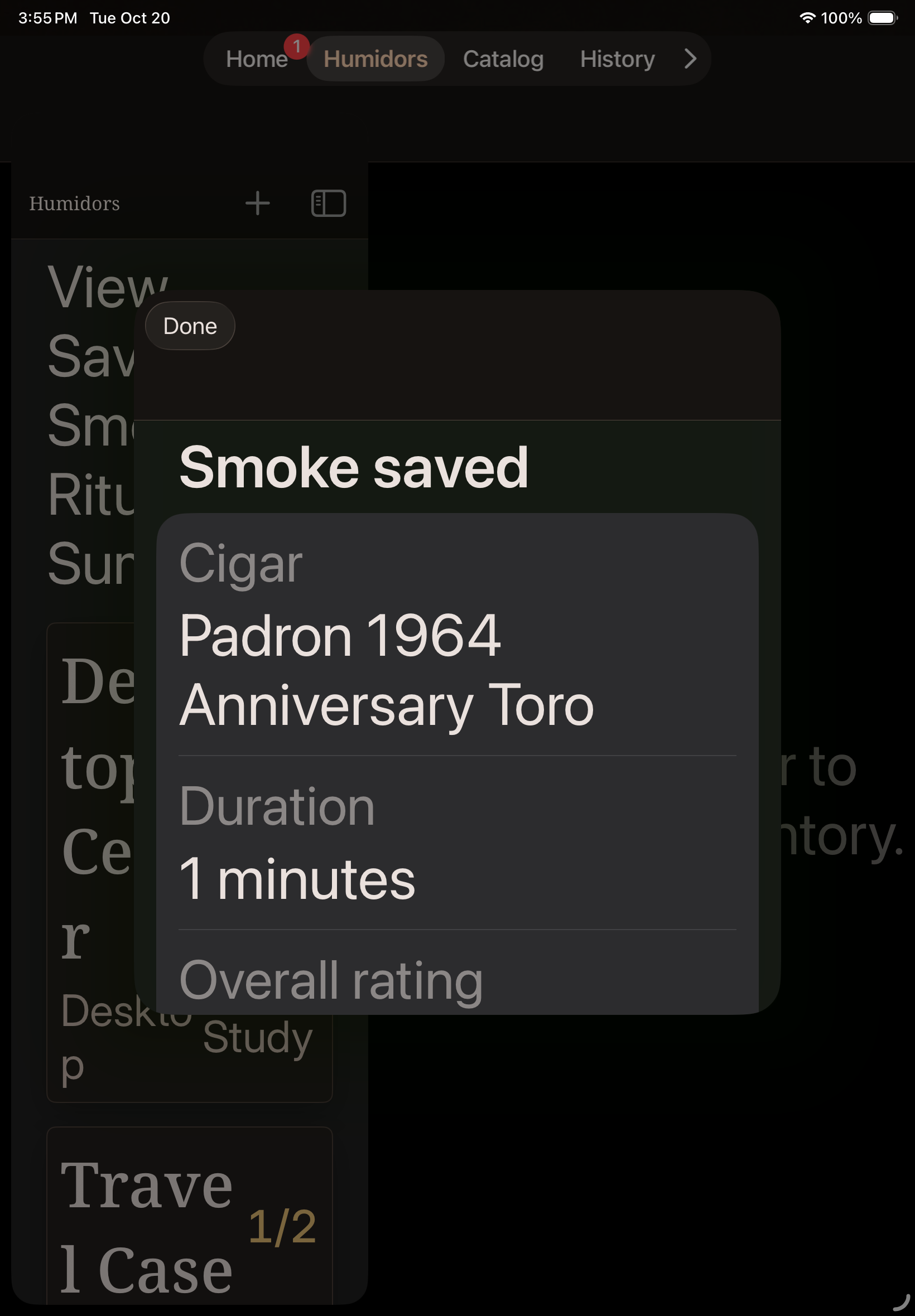
The immediate read-only summary shows the saved cigar, timer duration, overall rating, Smoking spot, optional third notes, draw/burn/construction observations and notes, and pairing. Empty optional values say Not recorded. Choose Done to finish; this immediate summary is not reopened after relaunch.
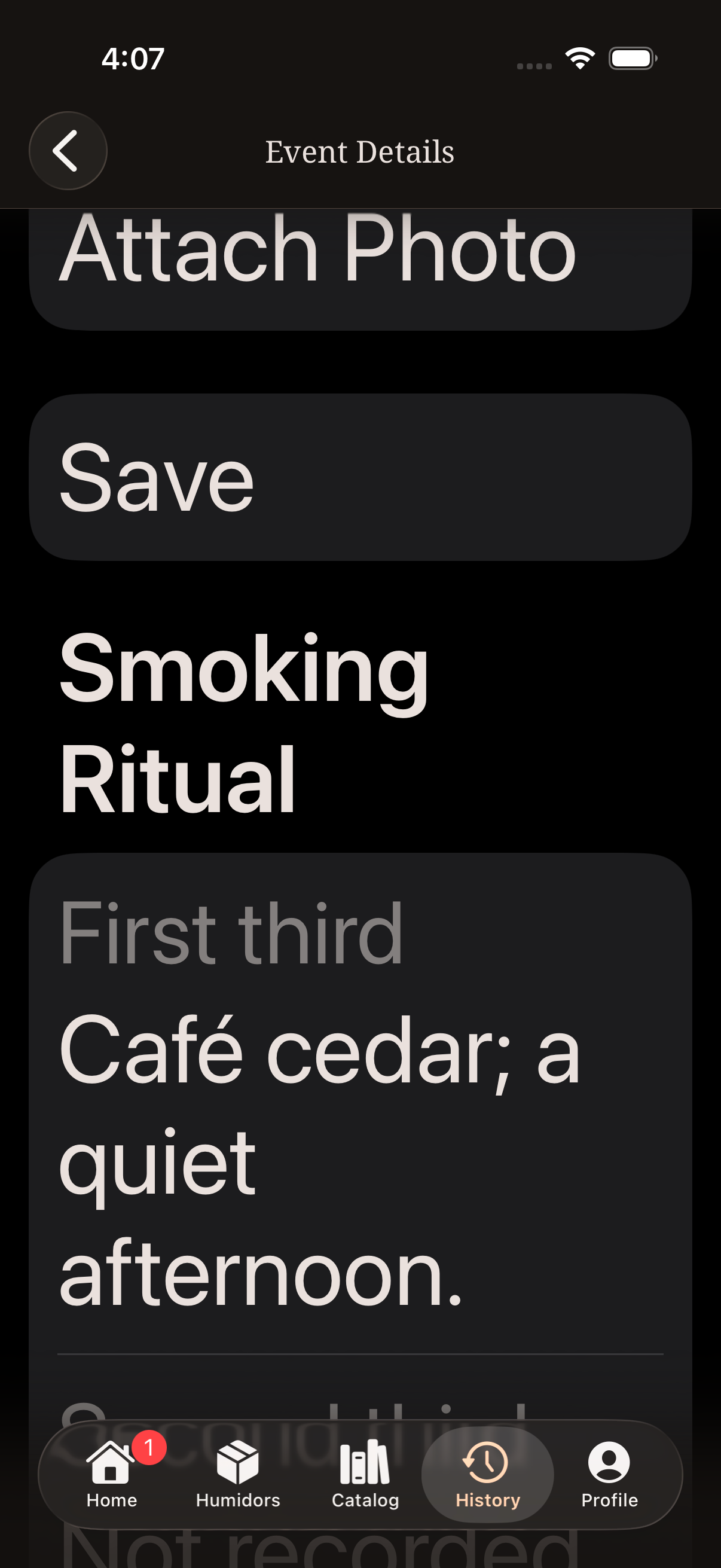
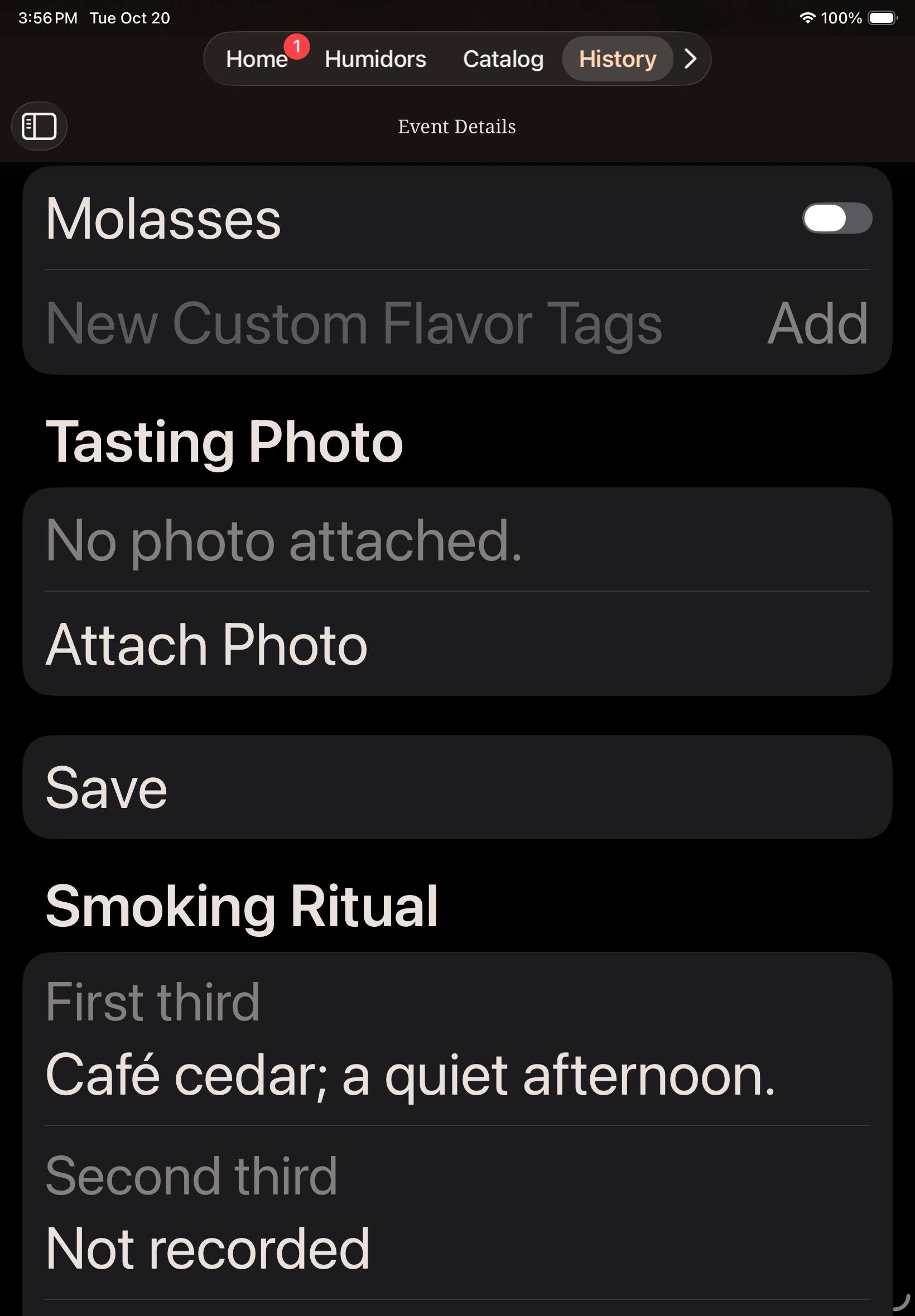
With Exclusive, open History, select the cigar's timeline and then its smoked event. The Smoking Ritual section and timer duration are read-only. Existing rating, final tasting note, flavor and Smoking spot edits remain available in the normal tasting section. Ordinary Quick Smoke duration remains editable. Premium keeps the immediate summary without later History access.
Saved Ritual records follow the app's private account sync and backup behavior. Ritual notes and observations do not become public posts or additional Statistics measures.
iPhone and iPad examples
These examples use synthetic private records. Timer, validation, recovery and Premium summary examples use standard text; Exclusive summary and History examples use the largest accessibility text size. Scroll to read content below the visible area.
Paused timer and Resume Timer control
Required overall rating
Resume a local draft
Premium saved summary
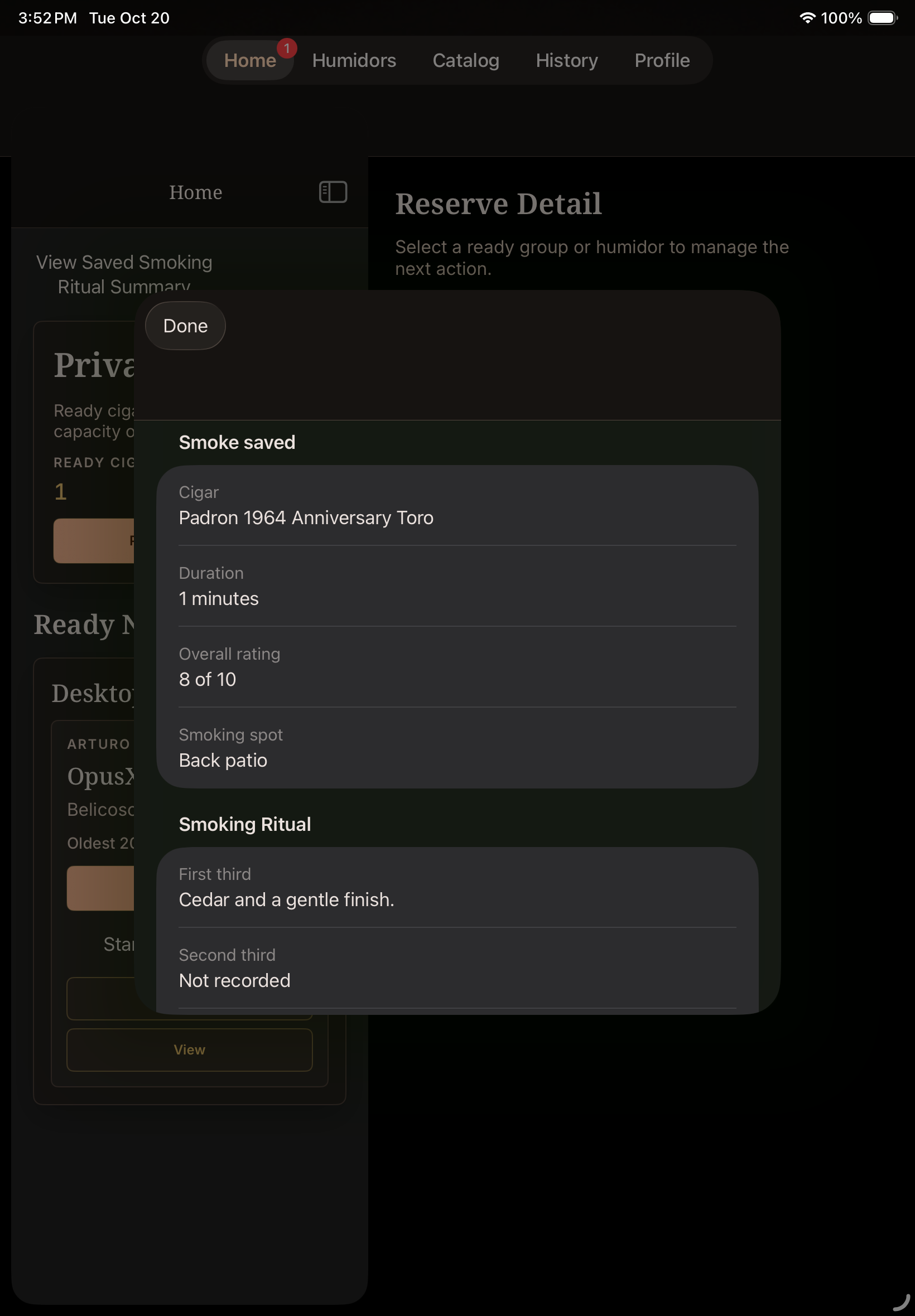
Exclusive saved summary at larger text
Exclusive History at larger text
This guide explains private record keeping for legal-age users. It keeps session notes private and does not provide sales, advertising or public sharing.